The 8 best Frame.io alternatives in 2026
We used Frame.io at Silvertake, our production company, from 2020 until January 2026. Then we moved the whole operation to RecReview, the tool we built for ourselves. So RecReview is first on this list, and you should read that part knowing who wrote it. For the other seven, here is what each one does well, where it stops, and what it costs in October 2026.
Frame.io alternatives compared
| Tool | Best for | Starting price |
|---|---|---|
| Frame.io | Review inside Adobe apps | Free for 2 members, then $15 per member a month |
| RecReview | Production companies and agencies | $49 a month, unlimited users |
| Wipster | Small marketing teams | $9.95 a month; Team is $19.95 per user |
| Filestage | Approving video with PDFs and images | Free plan; $199 a month with 10 seats |
| Ziflow | Large brand teams | Free plan; $199 a month with 15 users |
| Vimeo Review | Teams already paying for Vimeo | $12 per seat a month on Starter |
| Dropbox Replay | Teams already on Dropbox | Free for 4 files, then $10 per user a month |
| SyncSketch | Animation and VFX | Free plan; $9 per user a month, billed yearly |
| Kollaborate | Small post houses | $5 a month; unlimited members from $99 |
Prices from each vendor's pricing page, checked on October 20, 2026, with yearly billing where the vendor shows it. Check before you buy.
Why we left Frame.io
Frame.io was never the whole problem. Review happened there, but tasks and hours lived in RunRun.it, deliveries in a spreadsheet, and a set of Make and Zapier automations moved data between them. When one of those automations broke, it broke quietly.
We also couldn't answer simple questions. How long does a cut wait on the client? How many versions until it's approved? What is stuck right now, and why?
In January 2026 we cancelled Frame.io, RunRun.it, Zapier and Make in the same month and moved everything to RecReview, history included. Here is what changed in the six months that followed. The Silvertake case study shows how we measured it.
Same team of about six people.
That is our setup, though. If review is the only step that hurts, a cheaper review tool may be all you need, and a few below are good at exactly that.
1. RecReview: best for production companies and agencies

Starting price: $49 a month, unlimited users
Review works the way it does in Frame.io: comments on the exact frame, drawing on the image, versions side by side, and clients who review from a link without an account. The difference is what sits around the player. Each upload can go through an AI check, and the video lives on a project board with status, deadlines, subtasks and logged hours.
Strengths
- Unlimited users on every plan, so clients and freelancers never cost a seat
- AI check on uploads flags audio problems, black or frozen frames, on-screen typos and lines that drift from the script
- Project board, deadlines and time tracking next to the video
- Mac app with watched folders and a panel inside Premiere
Limitations
- Built for video and photos, not PDFs or web pages
- No free plan, only a 15-day trial
2. Wipster: best for small marketing teams
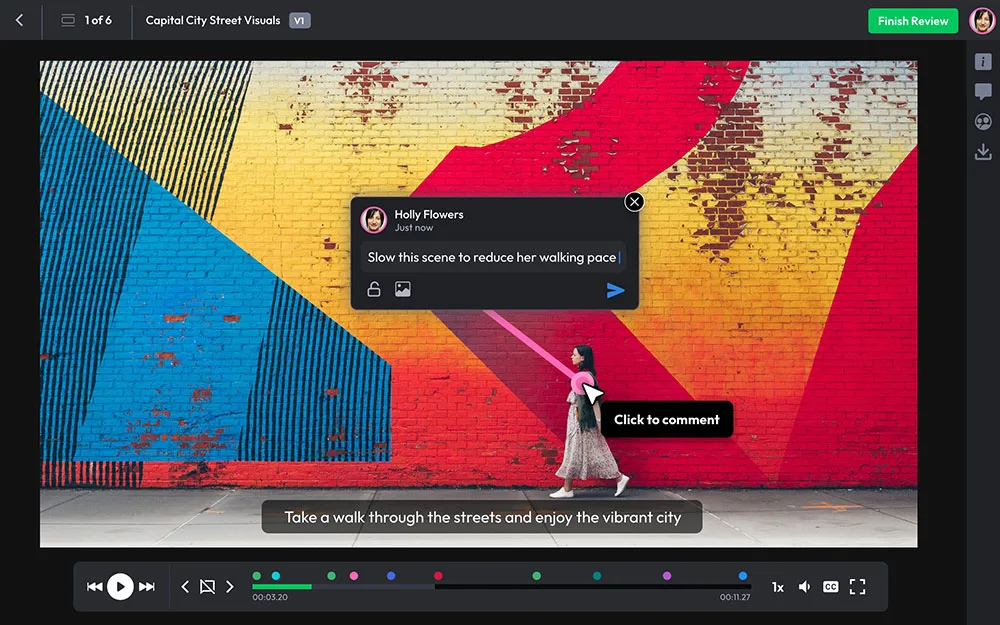
Starting price: $9.95 a month; Team is $19.95 per user
The closest thing to Frame.io with a simpler face. Comments, drawings and approvals are easy for a client to figure out on the first try.
Strengths
- Cheap entry plan
- Reviewers don't need a paid seat
- Easy for clients who have never used a review tool
Limitations
- The Team plan is billed per user
- Project management is a to-do list
- Nothing checks the file for errors
3. Filestage: best for approving video alongside PDFs and images
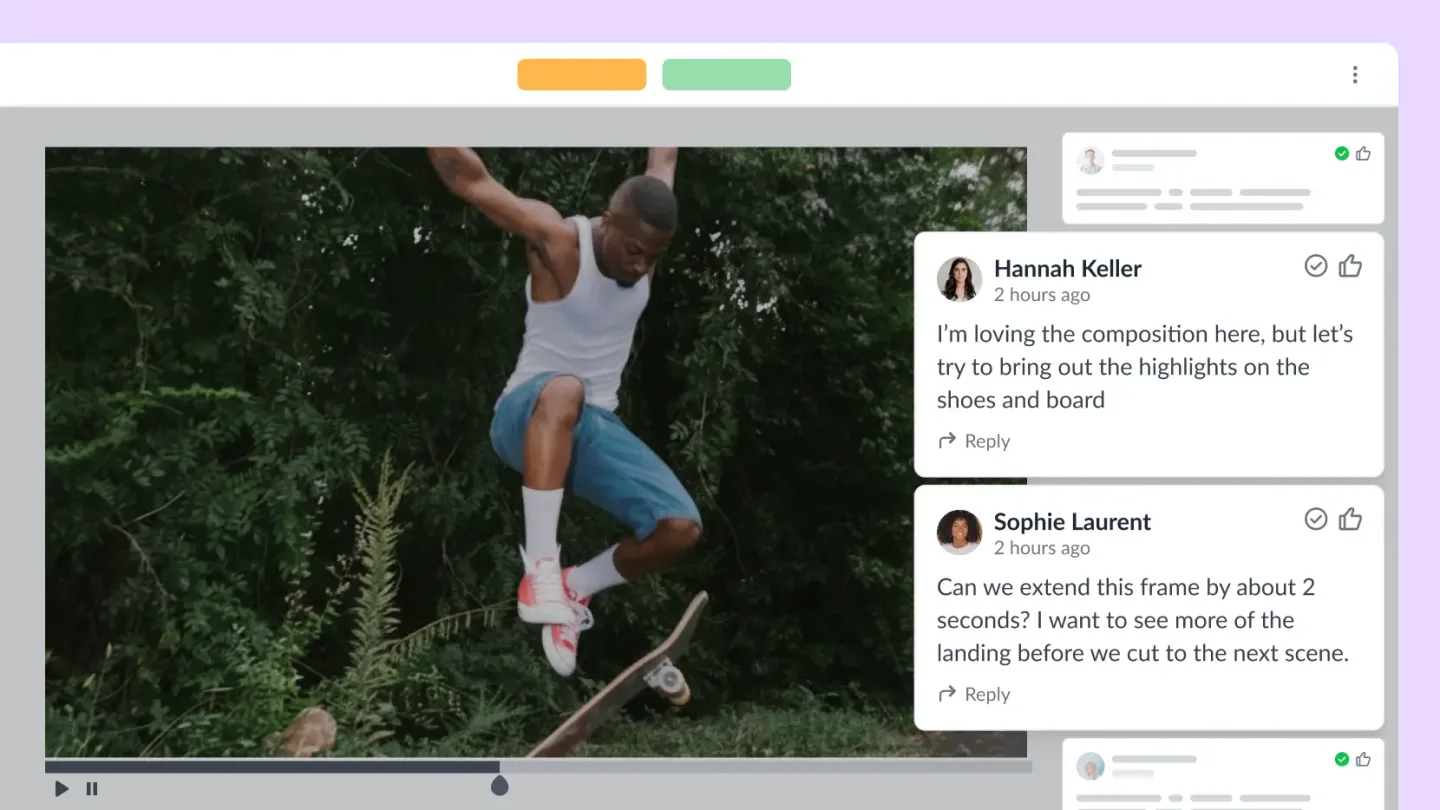
Starting price: Free plan; $199 a month with 10 seats
Filestage is for teams whose approvals aren't only video. One flow handles video, images, PDFs, documents, web pages and audio, with review rounds and a due date for each.
Strengths
- Most file types in one approval flow
- Review rounds with due dates
- Free plan
Limitations
- Version handling for video is basic
- Nothing for production itself: no shoot plans, hours or delivery
- Paid plans start at $199 a month
4. Ziflow: best for large brand teams

Starting price: Free plan; $199 a month with 15 users
Proofing for big brand and marketing departments. It opens more than a thousand file types and runs approvals in several stages on its own.
Strengths
- Huge range of file types
- Automated multi-stage approvals
- Audit trail for compliance teams
Limitations
- Takes real time to set up
- More machinery than a small team needs
5. Vimeo Review: best for teams already paying for Vimeo

Starting price: $12 per seat a month on Starter
If you pay for Vimeo, you already have it: time-coded notes and version comparison on the videos you host there.
Strengths
- No extra cost on a paid Vimeo plan
- Fine for occasional client feedback
Limitations
- Feels like a feature of a hosting product
- Review only
6. Dropbox Replay: best for teams already on Dropbox
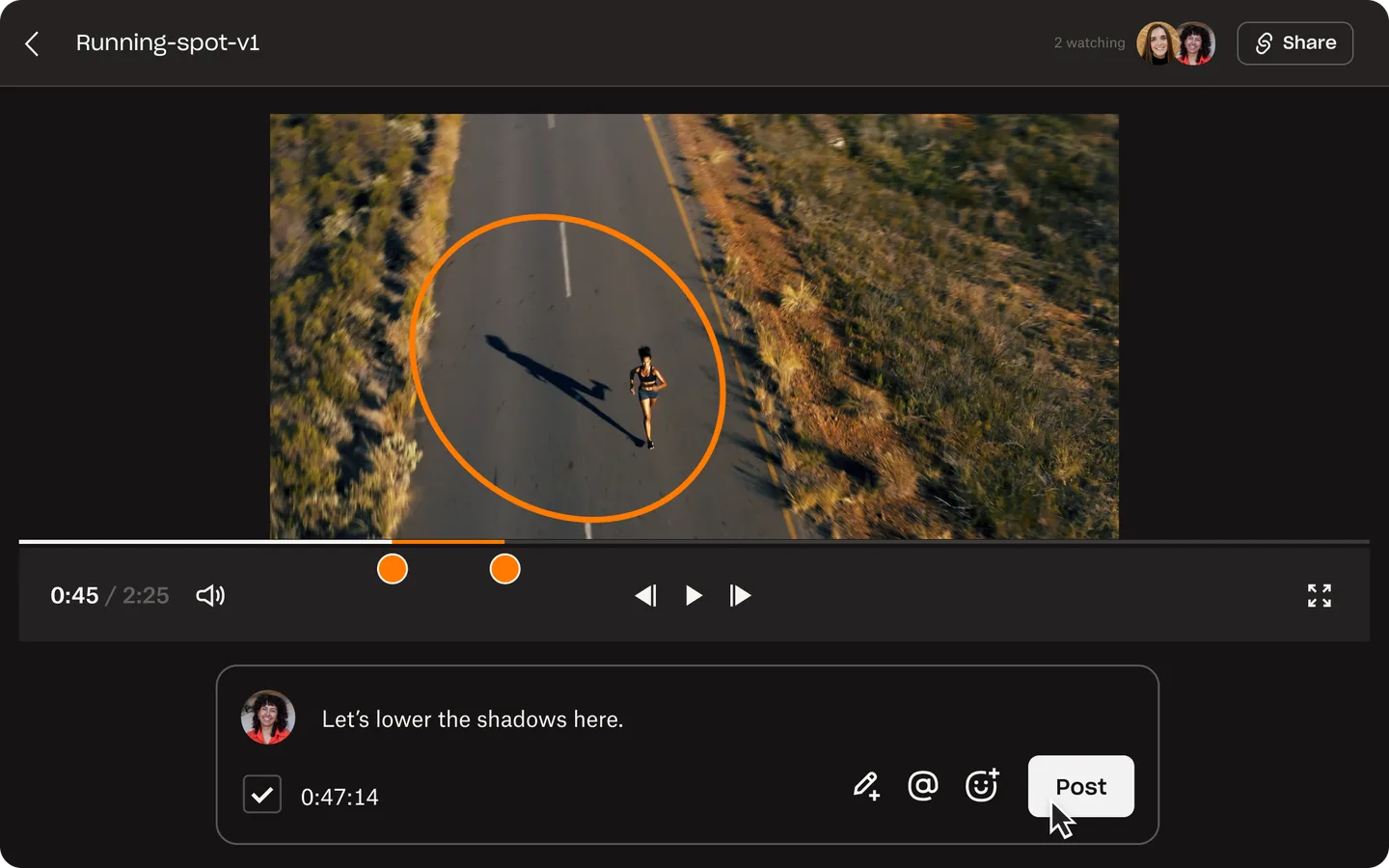
Starting price: Free for 4 files, then $10 per user a month
Replay puts frame-accurate review next to the files your team already keeps in Dropbox.
Strengths
- No new place to store files
- Connects to the main editing apps
- Free for up to 4 files
Limitations
- Billed per user on top of your Dropbox plan
- No project side and no error checks
7. SyncSketch: best for animation and VFX
Starting price: Free plan; $9 per user a month, billed yearly
SyncSketch comes from animation and VFX dailies. You can sketch frame by frame over video and over 3D models.
Strengths
- Drawing tools made for animators
- Works on 3D models, not just video
- Free plan
Limitations
- Not designed around client sign-off
- Paid plans are per user
8. Kollaborate: best for small post houses
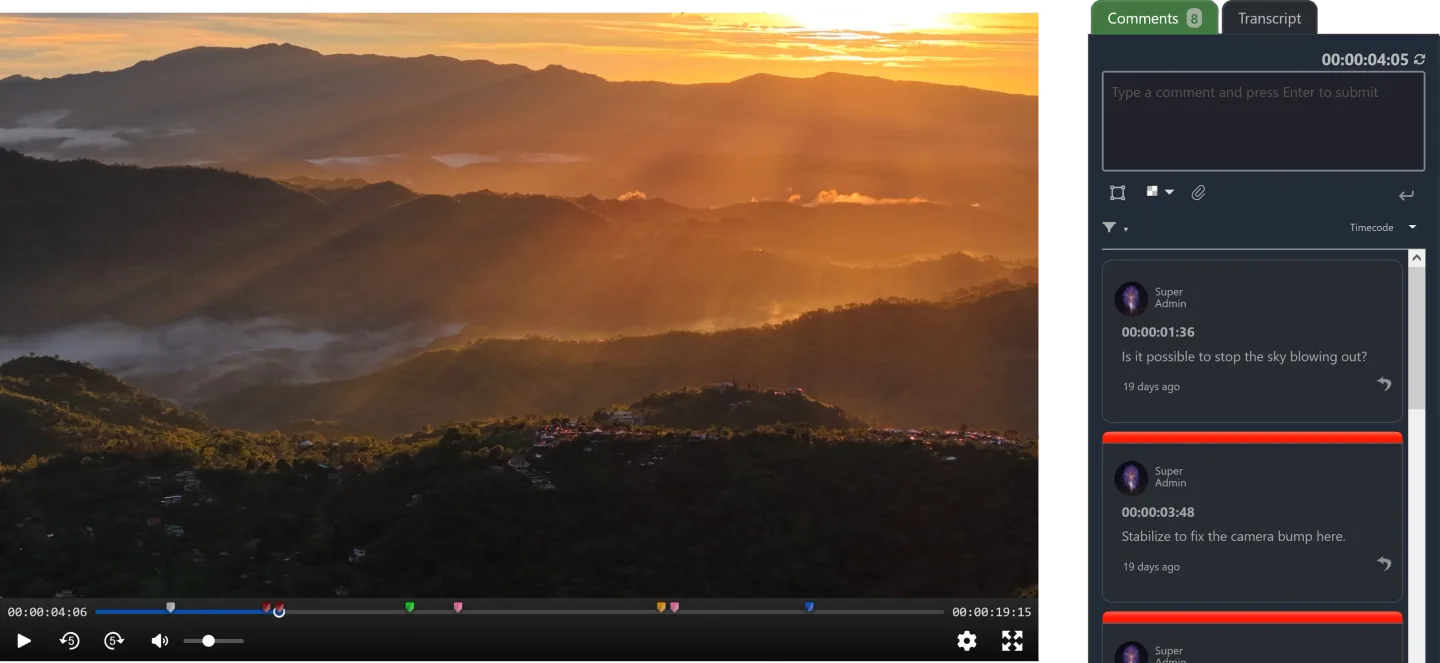
Starting price: $5 a month; unlimited members from $99
A long-running review and file-sharing tool for post-production, with plans that grow with storage and team size.
Strengths
- Low entry price
- Unlimited users on the larger plans
Limitations
- Review and sharing only
- Price is tied to storage
When to stay on Frame.io
If your team is small, works in Premiere and After Effects all day and only needs a clean place to collect client notes, stay. The Adobe integration is the deepest in the category, and changing tools costs time you could spend editing.
Moving makes sense when review is one of several tools you pay for and glue together. That was our situation.
Frequently asked questions
What is the best Frame.io alternative?
It depends on what is slowing you down. If it's only review, Wipster or Vimeo Review cost less than Frame.io. If review is one of several tools you glue together, RecReview puts review, error checks and the project board in one place (we build it, so weigh that). If you approve more than video, look at Filestage.
Is there a free Frame.io alternative?
Filestage, Ziflow and SyncSketch have free plans, and Dropbox Replay is free for up to 4 files. Vimeo Review comes with paid Vimeo plans, and Frame.io itself is free for 2 members. Free plans limit storage, users or video quality. RecReview has a 15-day trial with no card instead of a free plan.
Which Frame.io alternative works with Premiere and DaVinci Resolve?
RecReview has a panel inside Premiere and exports time-coded comments as markers for Premiere and DaVinci Resolve. Dropbox Replay also connects to the main editing apps. Inside Adobe apps, Frame.io's own integration is still the deepest.
Which alternative checks videos for errors?
Of the tools on this list, only RecReview checks the video file itself on upload. It flags audio problems, black or frozen frames, typos in on-screen text and lines that drift from the script, each at its timecode. Filestage and Ziflow have AI help for copy and compliance on proofs, which is a different job.
How hard is it to move off Frame.io?
We moved our own production company in January 2026 and brought years of Frame.io history with us. Uploading, commenting and approving work the same way in every tool here, so habits carry over. In RecReview, a spreadsheet import recreates your project list and we help with the migration during onboarding.
Head-to-head comparisons with RecReview: Frame.io, Wipster, Filestage, Ziflow, Vimeo Review, Dropbox Replay and Kollaborate.