RecReview vs Frame.io
Frame.io is built for review. RecReview is built for the whole production.
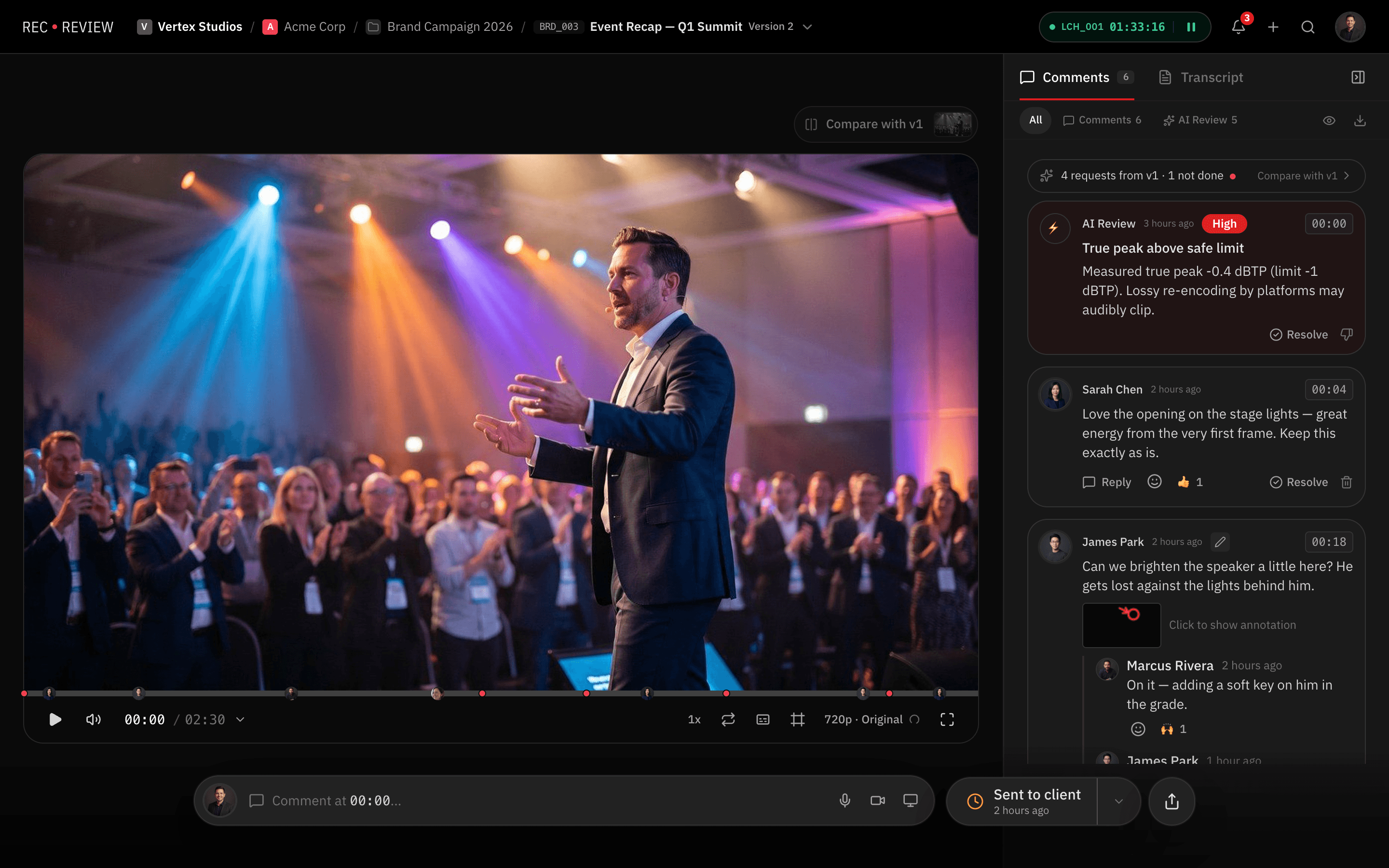
Both give you comments on the exact frame, drawings on the image and version comparison. RecReview adds the project board, time tracking and an AI check on uploads, and every plan has unlimited users.
Feature by feature
RecReview and Frame.io side by side: review, project management and production tools.
| Feature | RecReview | Frame.io |
|---|---|---|
| Video Review | ||
| Timestamped comments | Yes | Yes |
| Frame-accurate annotations | Yes | Yes |
| Version comparison (side-by-side) | Yes | Yes |
| Client review portal | Yes | Partial |
| Video/audio comment recording | Yes | No |
| Comment assignments & mentions | Yes | Yes |
| Project Management | ||
| Kanban board with custom statuses | Yes | No |
| Task assignments & due dates | Yes | Partial |
| Production phases (pre/prod/post) | Yes | No |
| Subtasks & checklists | Yes | No |
| Client & project organization | Yes | Partial |
| Time tracking | Yes | No |
| AI & Automation | ||
| AI video analysis (errors, quality) | Yes | No |
| AI text/typo detection | Yes | No |
| Technical quality scoring | Yes | No |
| Workflow automations (triggers/actions) | Yes | No |
| Automation presets | Yes | No |
| Collaboration | ||
| Workspace members & roles | Yes | Yes |
| External sharing with password | Yes | Yes |
| Visitor sessions (no login required) | Yes | Yes |
| Webhook integrations | Pro & Studio | Yes |
| Email notifications | Yes | Yes |
| Production Tools | ||
| Script editor with side-by-side view | Yes | No |
| Production plans & calendars | Yes | No |
| Teleprompter display | Yes | No |
| Blocker management | Yes | No |
| Delivery tracking & approvals | Yes | Partial |
| Pricing | ||
| Flat monthly pricing | Yes | No |
| No per-seat charges | Yes | No |
| Included storage (500 GB+) | Yes | 2 TB on Pro, 3 TB on Team |
| AI minutes included | Yes | No |
| Free trial or free plan | 15-day trial | Yes |
Key differences
Review is one step of the job
Frame.io lets you tag files with an assignee, a status and a due date. Planning the shoot, logging hours and seeing what is stuck still happen somewhere else. In RecReview the video sits on a project board with phases, subtasks and logged time.
An AI check before the client watches
RecReview can check an upload for audio problems, black or frozen frames, typos in on-screen text and lines that drift from the script, each at its timecode. Frame.io doesn't check the file for you.
Clients and freelancers don't take a seat
Frame.io bills per member, so each editor or freelancer you add raises the bill. Every RecReview plan has unlimited users; plans differ by storage and AI minutes, not headcount.
Pricing
RecReview has flat monthly plans with unlimited users, from $49; team scenarios below use Pro ($99, 2 TB). Frame.io costs $15 per member a month on Pro (up to 5 members) and $25 on Team (up to 15).
| Scenario | RecReview | Frame.io |
|---|---|---|
| 5-person team | $99/mo (Pro) | $75/mo (Pro) |
| 10-person team | $99/mo (Pro) | $250/mo (Team) |
| 20-person team | $99/mo (Pro) | Enterprise, custom quote |
| Free option | 15-day trial | Free plan: 2 members, 2 GB |
| Project board and time tracking | Included | Not available |
Prices checked on October 20, 2026 at frame.io/pricing.
Who should stay on Frame.io
Stay on Frame.io if your editors live in Premiere and After Effects and review is the only step that hurts. Its Adobe integration is the deepest in the category, and Camera to Cloud sends takes from the set as soon as they are shot.
Staying also makes sense if another tool already runs your projects well and nobody wants to move. RecReview pays off when review, tasks, hours and delivery are spread across several subscriptions held together by hand.
Comparing more than two tools? See the best Frame.io alternatives.
Frequently asked questions
Can I move my projects from Frame.io to RecReview?
Yes. On annual plans our team moves your projects and versions for you. You can also upload your masters yourself; a file with a similar name can go in as a new version of the same video. We moved our own production company off Frame.io in January 2026.
Does RecReview work inside Premiere like Frame.io?
Yes. RecReview has its own Premiere panel: review comments sit next to the timeline, a click jumps the playhead to the frame, and comments import as sequence markers. With any other editing app, editors upload the export and share the review link.
Does RecReview have Camera to Cloud?
No. Frame.io's Camera to Cloud uploads takes straight from the set, and RecReview doesn't do that. RecReview's Mac app watches your export folders and uploads finished cuts on its own.
Do clients need an account to review?
Not in either tool. In RecReview, clients open a link, comment on the frame and approve without signing up, and they never count as users on your plan.
More comparisons: RecReview vs Wipster, Dropbox Replay: is it free, and what does it cost? and RecReview vs Vimeo Review.