Ship with context, not just a link.
Send approved cuts to clients with smart delivery links that include an AI-generated changelog, download options, and review stats.
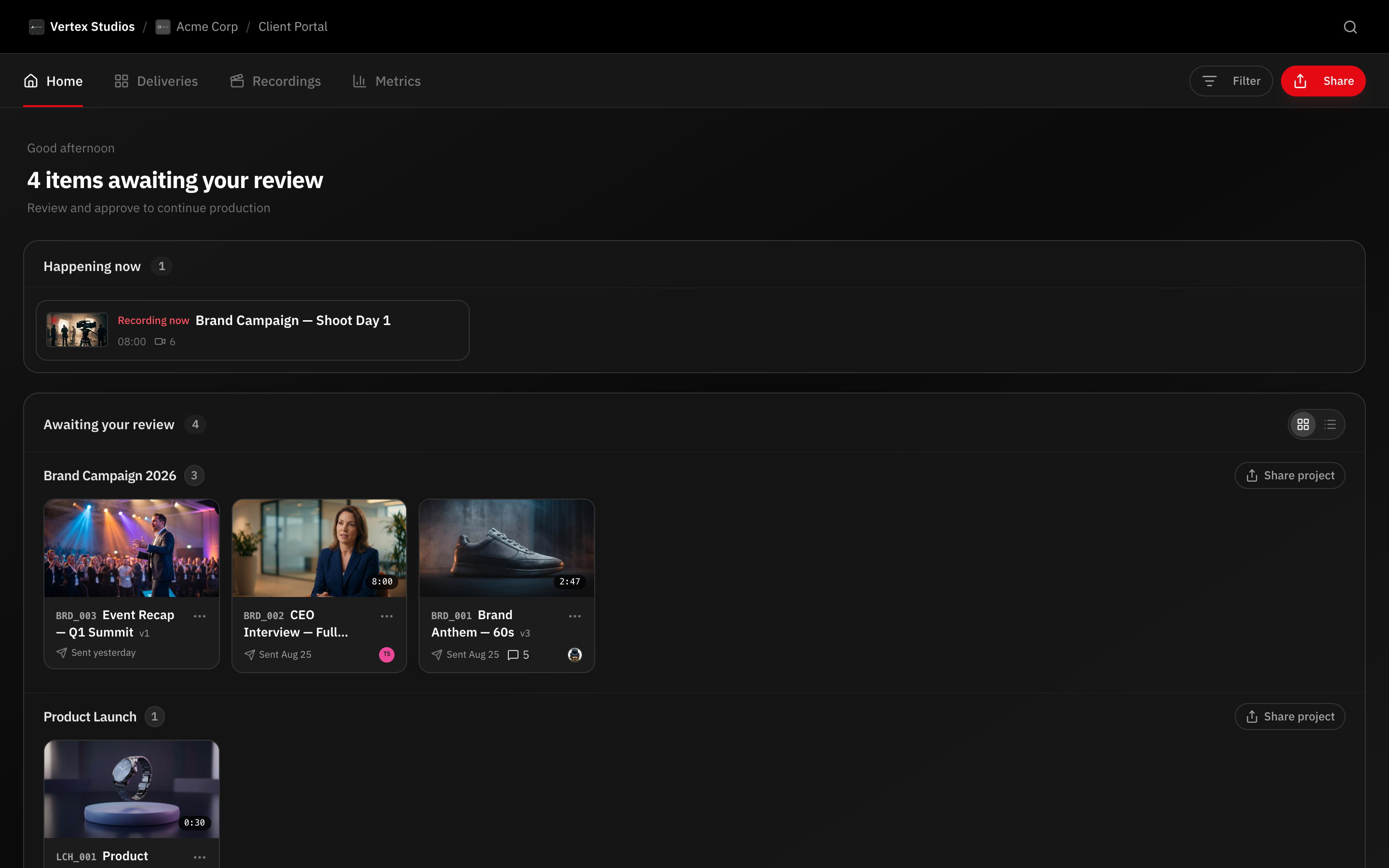
How it works
Approve the final cut
Mark the version as approved in the review workflow.
Generate a delivery link
RecReview creates a branded page with download and stats.
AI writes the changelog
A summary of changes between versions is generated automatically.
Client downloads
One-click download from a secure, expiring link.
Capabilities
Smart Delivery Links
Branded pages with download, stats, and changelog.
AI Changelog
Auto-generated summary of what changed between versions.
Direct Downloads
Clients download without signing up.
Webhook Events
Trigger automations when deliveries are sent or approved.
Secure Delivery Links
Generate secure delivery links for approved videos with configurable access controls. Set passwords, expiration dates, and download permissions independently for each delivery. When the link expires, access is automatically revoked without any manual cleanup.
Delivery links are designed for a professional experience through the client portal. Recipients see the video player with download options, not a generic file transfer page. This reflects the quality of your studio and reinforces the value of the work you produce.
Each delivery link is unique and trackable. You know exactly who accessed it and when, providing documentation for your records and peace of mind that the right people received the right files.
Delivery Tracking and Confirmation
Know when your client opens the delivery link and watches the video. Delivery tracking eliminates the awkward follow-up email asking "Did you get the file?" You already know the answer.
Automated delivery notifications can be sent to your team when a client accesses the delivery. Combined with webhook integrations, you can feed delivery events into your CRM, project management, or invoicing systems to trigger downstream workflows.
Delivery Reports and AI Summaries
Every delivery includes a summary of the project: versions delivered, hours tracked, comments resolved, and a timeline of the review and approval process. This report reinforces the effort behind the final product and provides a professional close to the project.
AI-generated summaries provide a concise narrative of the production journey, highlighting key milestones and decisions. These summaries can be included in client communications or stored as project documentation for future reference.
Webhook Integration for Delivery Events
Trigger webhooks when delivery events occur: video delivered, delivery approved, new version uploaded, comment added. These events can drive automations in your other systems, from updating a CRM record to sending an invoice.
The webhook payload includes comprehensive project data: client name, video title, version number, production stats, download URLs, and AI summaries. This eliminates the need to manually compile delivery information for downstream processes.
Frequently asked questions
Can I control whether clients can download the video?
Yes. Each delivery link has independent download permission settings. You can allow streaming only, enable downloads, or provide both options. This gives you control over how deliverables are accessed.
Do delivery links expire?
Delivery links can be configured with expiration dates. Once expired, the link no longer provides access. You can also revoke links manually at any time. Permanent links without expiration are also supported.
Can I deliver to multiple stakeholders?
Yes. Create separate delivery links for different stakeholders, each with their own access settings. This is useful when different recipients need different download permissions or when you want to track access individually.
How is this different from WeTransfer?
RecReview delivery provides branded presentation, access tracking, download controls, expiration management, delivery reports, and integration with your production workflow. WeTransfer is a generic file transfer tool that knows nothing about your project or your client relationship.
Works together with
Ready to try it yourself?
15-day free trial. No credit card required.