One click to approve, zero emails.
Track review status from needs_review to approved or changes_requested. Clients and internal reviewers follow the same clear workflow.
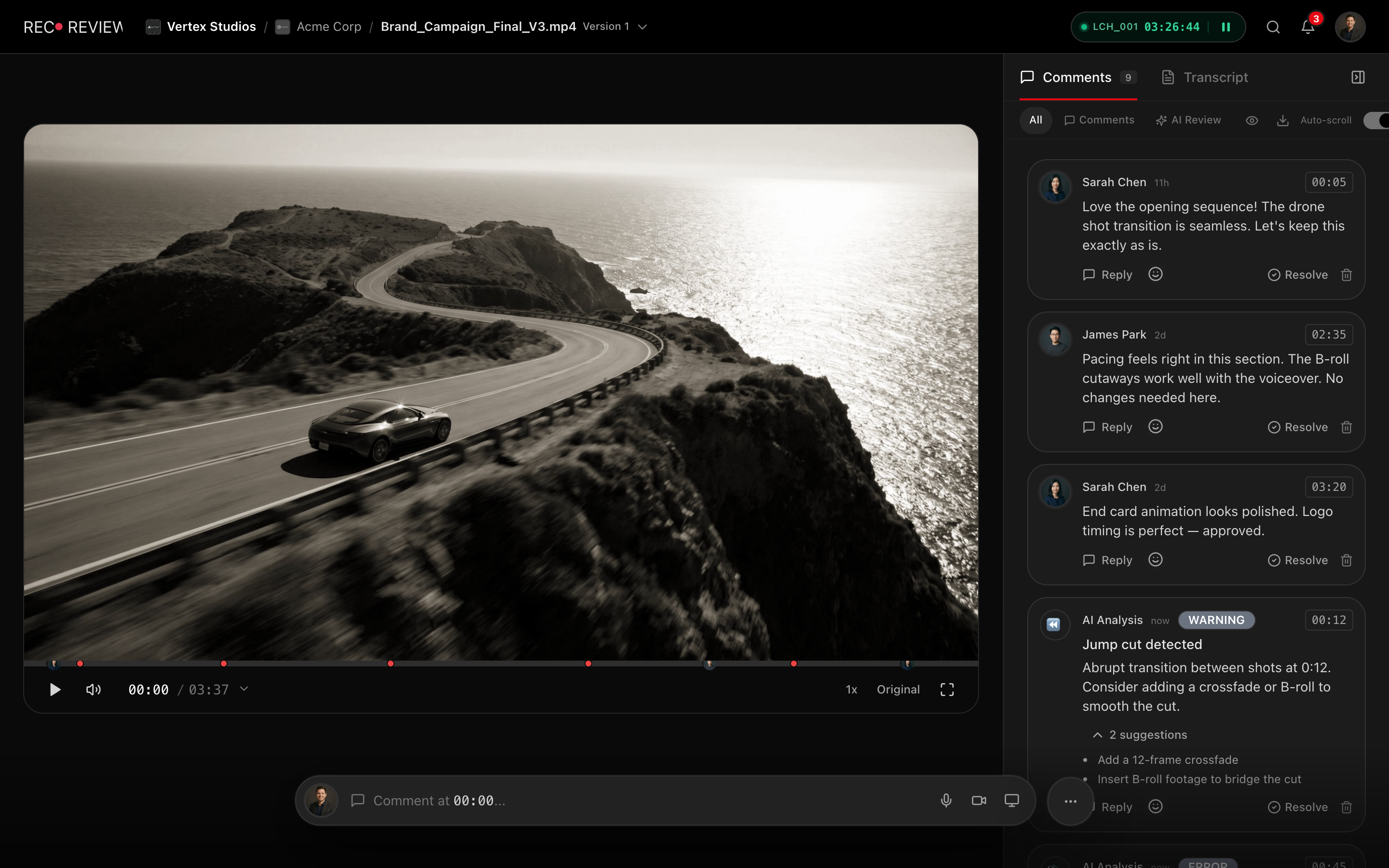
How it works
Send for review
Set the video to needs_review and share the link.
Reviewer watches
They leave comments or approve directly from the player.
Decision recorded
Approved or changes_requested status is set with one click.
Team is notified
Automations can move the task, notify the editor, or trigger delivery.
Capabilities
Status Workflow
None, needs review, approved, or changes requested.
Client Review
External reviewers use the same flow via share links.
Auto-Notifications
Alerts fire when review status changes.
Automation Hooks
Trigger delivery or status changes on approval.
Structured Review Rounds
Each version upload initiates a review round. Reviewers leave time-coded comments, the editor addresses them, and a new version is uploaded. RecReview tracks which comments were resolved between versions, giving producers a clear view of revision progress.
This structure prevents the common scenario where feedback from round one reappears in round three because someone did not check the earlier comments. The system maintains a complete history of what was said, when it was addressed, and what the resolution was.
Producers see at a glance which comments are still open on a version before sending it for approval, and comment resolution is tracked version over version — so nothing slips through the cracks during busy production schedules.
Clear Approval Status
Every video has a review status: none, needs review, approved, or changes requested. This status is visible on the kanban board, in project views, and in the client portal. There is never any ambiguity about where a video stands in the approval process.
When a client or stakeholder sets the status to "approved," the action is recorded with a timestamp and the reviewer identity. This creates an auditable approval record that protects both the studio and the client from disputes about what was signed off.
Multi-Stakeholder Review
Complex projects often involve multiple stakeholders: the creative director, the brand manager, the legal team, the client. In RecReview every comment and every decision is attributed to the person who made it, and with contact roles enforced, only the client contacts you designate as decision-makers can give the final approval — so sign-off authority is never ambiguous.
Different stakeholders can be given different access levels. The client might see the video and leave comments through the client portal. The legal reviewer might see the video plus the script. The creative director sees everything including internal notes. Each reviewer gets exactly the context they need to make their decision.
Notifications keep the review moving: your team is alerted the moment a decision lands, and when the approval comes in, the task automatically advances to the next stage if automations are configured.
Approval-Driven Workflows
Connect approvals to workflow automations. When a video is approved, automatically change the task status, notify the delivery team, trigger a webhook, or move the project to the next phase. When changes are requested, automatically route the task back to the editor with the review comments flagged.
These approval-driven workflows eliminate the manual handoff between review and delivery. The moment a client approves, the machinery of delivery kicks in without a producer needing to manually update statuses, send emails, or reassign tasks.
Frequently asked questions
Can I require approval from multiple people?
Share the review with as many stakeholders as you need — every comment and decision is attributed to the person who made it. The approval itself is a single, recorded decision per version, and with contact roles enforced, only the contacts you designate as decision-makers can make it.
Is there a record of who approved and when?
Yes. Every approval and change request is recorded with a timestamp and the reviewer identity. This audit trail is available in the task history and can be referenced in delivery reports.
Can clients approve without creating an account?
Yes. Clients review and approve through the review portal using a secure visitor session. They enter their name and email for attribution but do not need to create an account or install any software.
Works together with
Ready to try it yourself?
15-day free trial. No credit card required.