Everyone on the same cut.
Invite editors, producers, and clients into shared workspaces. Role-based permissions, real-time activity indicators, and smart notifications keep everyone in sync.
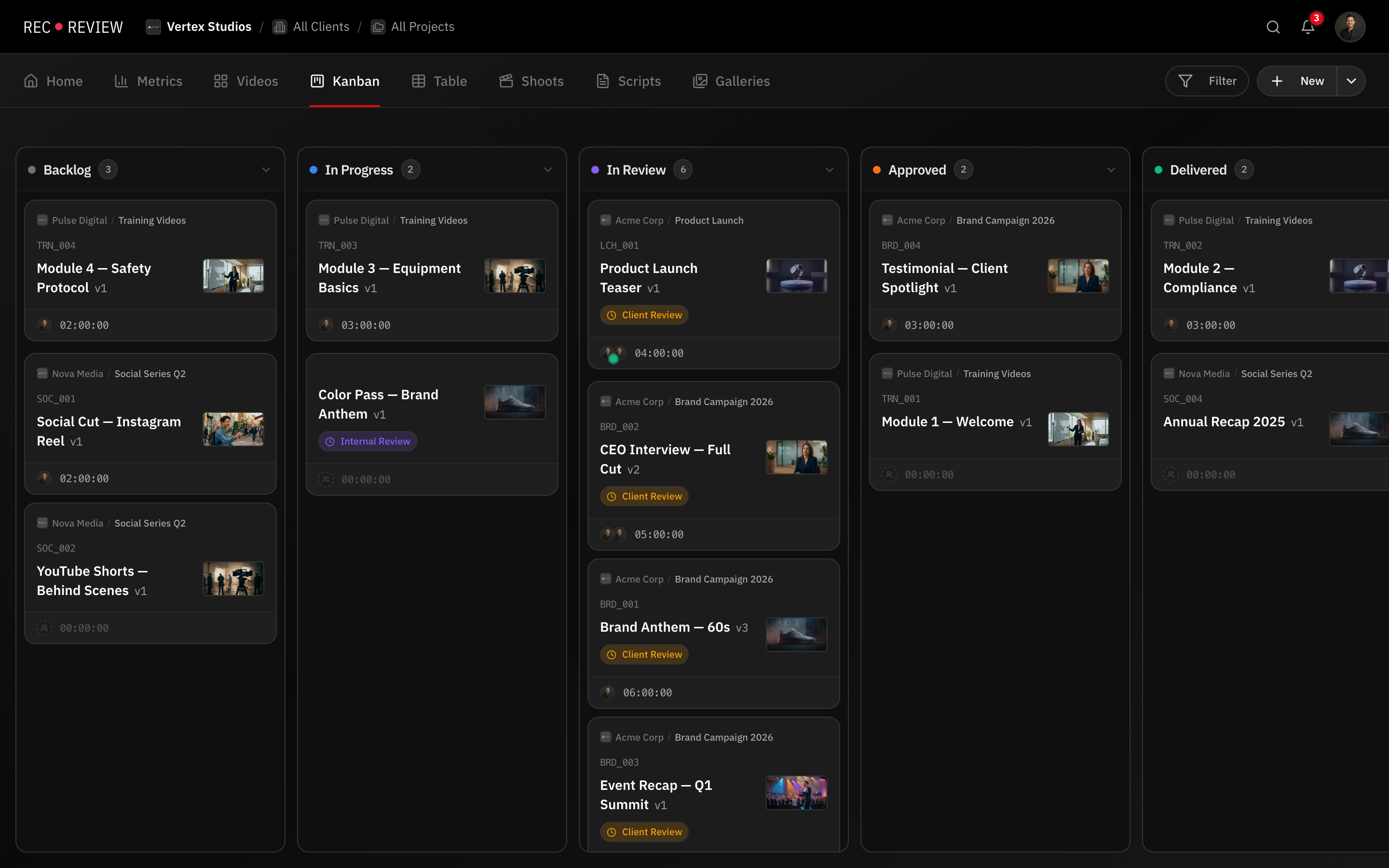
How it works
Invite your team
Add members by email and assign roles (admin, editor, viewer).
Collaborate in real time
See who is working on what right now and get instant updates.
Control access
Roles define who can upload, comment, approve, or manage settings.
Capabilities
Workspace Roles
Admin, editor, and viewer with granular permissions.
Live Activity
See who is working on what — active timers and live sessions at a glance.
Smart Notifications
Email and in-app alerts for mentions, approvals, and uploads.
Multi-Workspace
Separate workspaces per client or department on Pro and Studio plans.
All Feedback in One Place
Every comment, annotation, approval, and reaction lives alongside the video it references. Team members never need to search through email threads or Slack channels to find the time-coded comment someone left about the color grade on version two. It is right there, pinned to the timecode, on the version where it was made.
This centralization is more than a convenience. It prevents the most common collaboration failure in video production: lost feedback. When notes arrive through different channels at different times, something always gets missed. RecReview ensures that every piece of feedback has a single, permanent home.
Private comments let internal teams discuss notes before surfacing them to clients. This gives editors and producers a space to align on creative direction without exposing the conversation to external stakeholders.
Role-Based Workspace Access
Workspace members can have different roles with different permissions. Admins manage settings and billing. Members contribute fully to projects. Viewers can watch and comment but not modify project structure. This role system ensures everyone has the access they need without exposing sensitive controls.
For larger teams, role-based access prevents accidental changes. A junior editor cannot modify workflow automations. A freelance colorist cannot delete versions. Permissions are designed around the real organizational structures of production studios.
Notifications and Activity Tracking
Stay informed without drowning in noise. RecReview sends targeted notifications when someone comments on your video, replies to your thread, mentions you, or changes the status of a task you own. You see what matters to you without monitoring every conversation in the workspace.
Activity feeds on each project and task show a chronological log of everything that happened: uploads, comments, status changes, approvals, and time entries. When a producer needs to understand where a project stands, the activity feed tells the story without requiring a status meeting. For a broader view, use project management tools to track everything at the workspace level.
Mentions and Assignments
Tag team members in comments with @ mentions to bring them into specific conversations. Assign comments to individuals to create clear ownership. When a producer mentions an editor in a comment, that editor gets notified and the comment appears in their assigned work.
Combined with threaded replies, mentions create focused conversations around specific issues. Instead of a general "fix this" in a project channel, the conversation happens at the timecode with the relevant team member notified and assigned, streamlining the review and approval process.
Frequently asked questions
How many team members can join a workspace?
Workspace member limits depend on your plan. All plans support multiple team members with role-based access controls. Contact us for enterprise plans with larger team requirements.
Can I collaborate with freelancers or external contractors?
Yes. Add freelancers as workspace members with appropriate role permissions, or share specific videos through review links. This gives you flexibility to include external collaborators without granting full workspace access.
Are comments visible to everyone on the project?
By default, comments are visible to all workspace members on the project. Private comments are only visible to other internal team members and are hidden from client visitors in the review portal.
Works together with
Ready to try it yourself?
15-day free trial. No credit card required.