Your content, locked down.
Token-based share links, password protection, expiring URLs, role-based permissions, and encrypted cloud storage protect your content at every layer.

How it works
Set up roles
Assign admin, editor, or viewer roles to workspace members.
Configure share settings
Choose password, expiry, and visibility per video.
Monitor access
Visitor sessions log who viewed what and when.
Capabilities
Encrypted Storage
Files live on cloud infrastructure that encrypts data at rest.
Token-Based Links
Timing-safe tokens with configurable expiry.
Role-Based Access
Granular permissions per workspace role.
Visitor Logs
Track anonymous and authenticated viewer sessions.
Encrypted Storage and Delivery
All video files live on enterprise cloud infrastructure that encrypts data at rest. Streaming delivery uses secure, tokenized URLs: each playback session gets a signed, time-limited access token, so links cannot be lifted and reused elsewhere after they expire.
The CDN infrastructure that delivers video streams to reviewers and clients uses HTTPS exclusively. There is no path to access content over unencrypted connections. This protects against man-in-the-middle attacks and ensures that video content is never transmitted in the clear.
Access to content is isolated per workspace: every query and every file path is scoped to your workspace, and cross-workspace access is checked and denied at the API layer. Learn more about how file management keeps your assets organized and protected.
Granular Access Controls
Access to content is controlled at multiple levels: workspace membership, role permissions, project assignment, and share link settings. Each layer narrows who can see and do what, following the principle of least privilege.
Workspace roles determine baseline capabilities. Project assignments control which content a member can access. Share links provide time-limited, scope-limited access for external reviewers. This layered model ensures that people see only what they need to see.
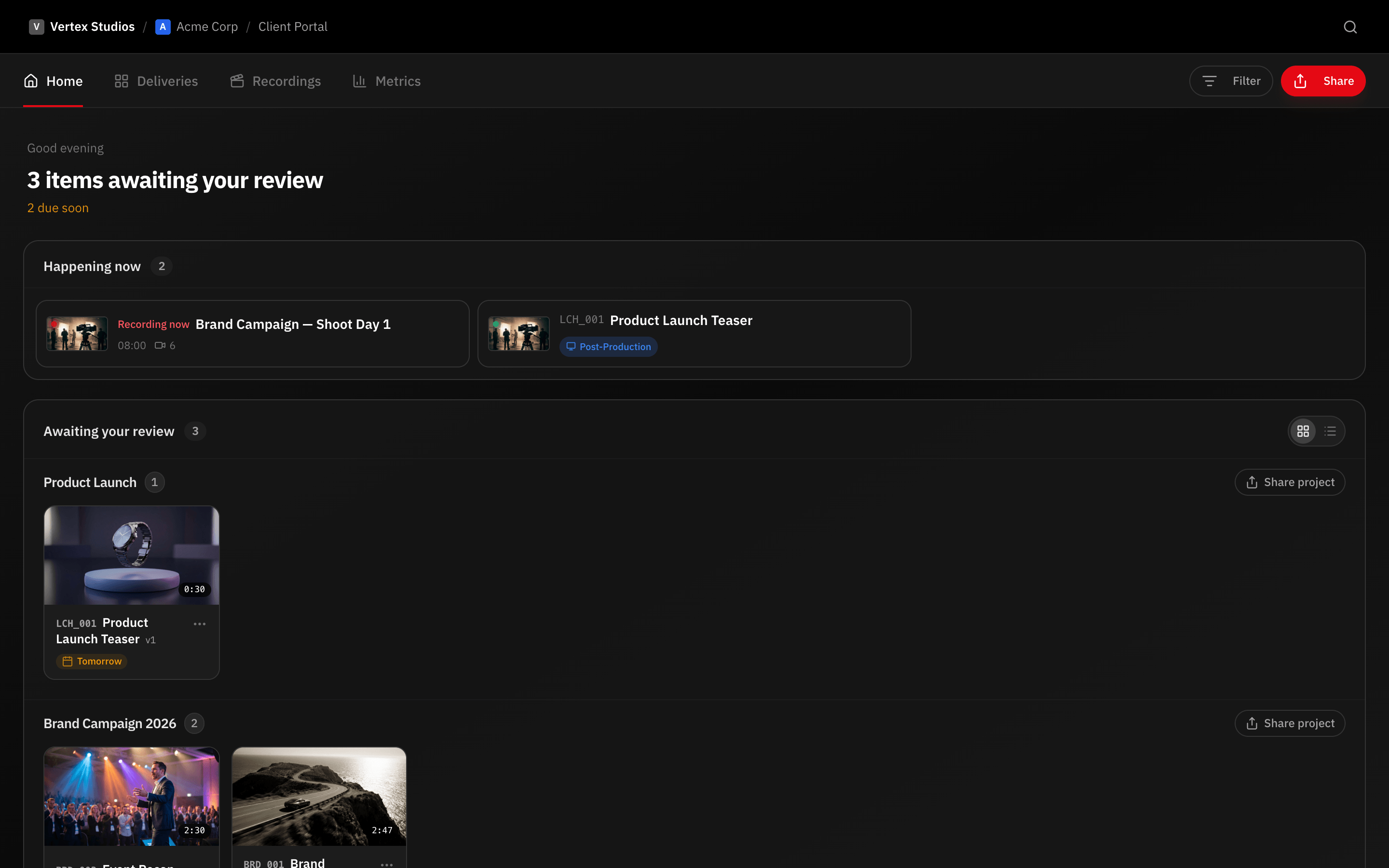
Share links support passwords, expiration dates, and feature restrictions. A link can allow viewing but not downloading, show the latest version but not the history, or permit comments but not approval. Every access surface within the client portal is configurable.
Session Management
Visitor sessions for external reviewers are token-secured and time-limited. Each session is tied to a specific share link and cannot be used to access other content in the workspace. Sessions expire automatically based on your configuration.
For workspace members, authentication is handled through secure session management with automatic expiration. When a team member leaves, removing them from the workspace immediately cuts their access to its content.
Audit Trail and Compliance
Client and reviewer activity is recorded: portal visits, video views, comments, approvals and change requests, and pre-approval downloads — each with who and when. Share link access is logged per visitor. This activity trail gives you visibility into how external parties interact with your content.
For productions handling sensitive content like unreleased advertising campaigns, political content, or confidential corporate communications, the activity trail demonstrates that proper access controls were maintained throughout the production and video delivery process. This documentation helps when access questions come up or when clients ask how their content was handled.
Frequently asked questions
Where is video content stored?
Video content is stored on enterprise-grade cloud infrastructure (Cloudflare R2 and Bunny Stream) that encrypts data at rest. Streaming is delivered through a global CDN with tokenized, HTTPS-only access.
Can I revoke access to shared videos?
Yes. Share links can be revoked instantly by the workspace admin or the member who created them. Revocation takes effect immediately — visitor sessions tied to that link lose access.
Does RecReview support single sign-on?
RecReview uses secure authentication with session management. Contact our team for information about enterprise authentication options for larger organizations.
How does RecReview protect unreleased content?
Unreleased content is protected through encrypted cloud storage, tokenized streaming URLs, role-based access controls, and time-limited share links with passwords. External access to shared content is authenticated and recorded.
Works together with
Ready to try it yourself?
15-day free trial. No credit card required.