Export and walk away.
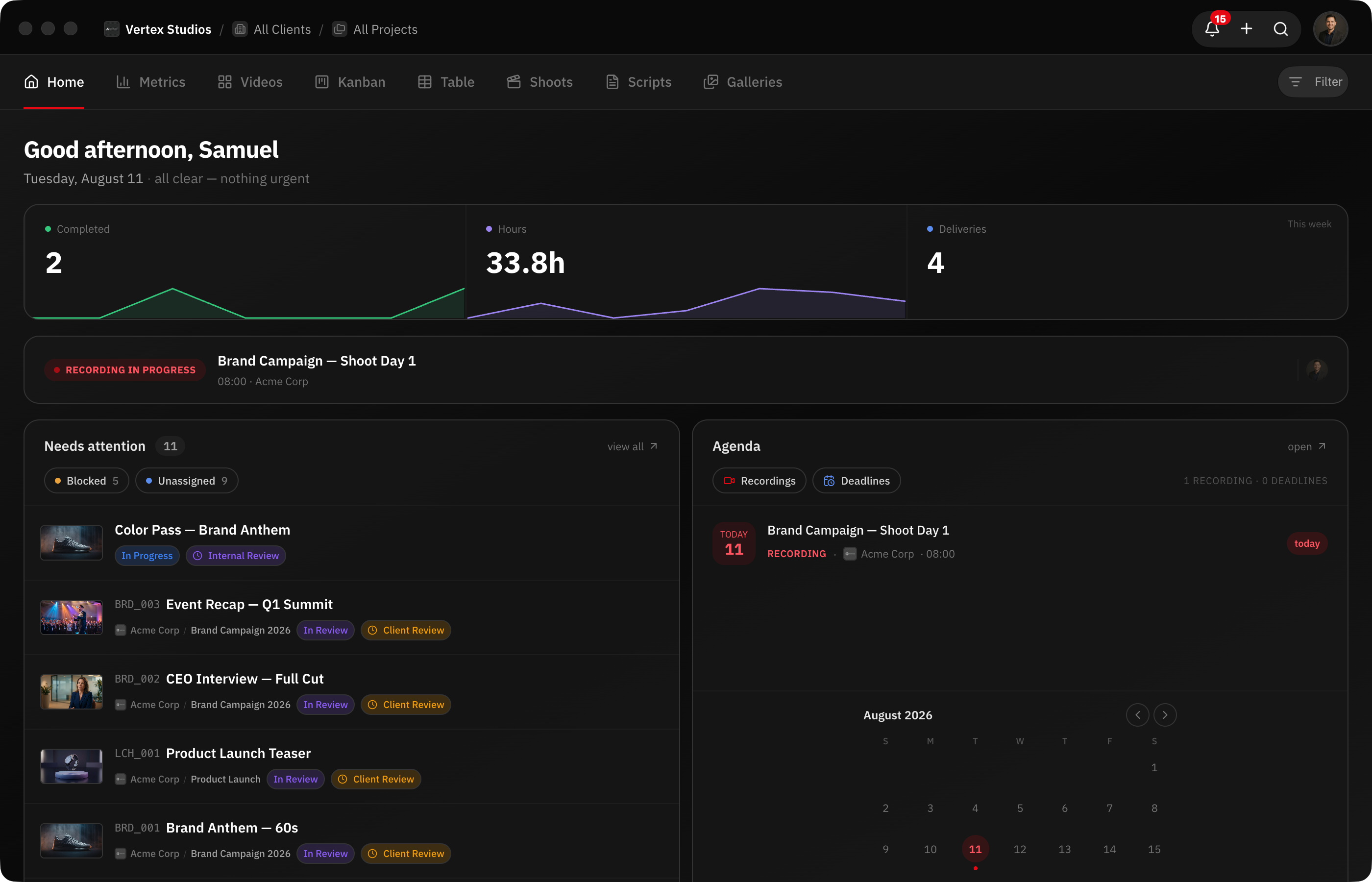
The native macOS app: watch folders upload finished exports automatically, system notifications with a Dock badge, multiple windows, and automatic updates.
macOS · Apple silicon & Intel · Free with your account
How it works
Download and sign in
Install the Mac app and sign in through your browser — no password typed in the app.
Point a watch folder at your exports
The app waits for the render to finish, then uploads automatically.
Get notified natively
Comments and approvals arrive as system notifications with a Dock badge.
Stay current automatically
The app updates itself in the background.
Capabilities
Native macOS App
Apple silicon and Intel builds with native glass and vibrancy.
Watch Folders
Finished exports upload themselves as the next version.
System Notifications
Real notifications plus a Dock badge count.
Multi-Window
Kanban on one display, review player on another.
Watch Folders: Export and Walk Away
Point RecReview at the folder where your NLE renders exports and every finished file uploads itself. The app waits until the render is actually complete — not just until the file appears — so partial exports never upload by accident.
The workflow becomes: hit export in Premiere or Resolve, go make coffee, and the new version is stacked on the right task with processing underway by the time you are back. No browser tab, no drag-and-drop, no forgetting to upload the fix before the client meeting.
Combined with automatic version stacking, the uploaded file lands as the next version automatically — reviewers are notified and AI Review can start without anyone touching the dashboard.
Notifications That Reach You
Browser notifications die with the tab. The Mac app delivers real system notifications — a new comment, an approval, a finished upload — even when the app is in the background, and the Dock icon carries a badge count so you see at a glance whether something needs you.
This matters most at the exact moment review cycles are hottest: while you are inside the editing software with the browser buried. The notification arrives on top of your NLE, you decide whether it can wait, and nothing sits unanswered for hours because a tab was hidden.
Built Like a Mac App
Multiple windows — put the kanban on one display and a review player on another. Native glass and vibrancy that follow the system appearance. Deep links that open straight into the right task. Sign-in happens through your browser, so your password never touches the app itself.
Updates install themselves in the background: the app stays current with the web platform without anyone downloading installers. It runs natively on both Apple silicon and Intel Macs.
The Same Platform, Closer to the Work
Everything you use on the web is in the app — task management, review, comments, time tracking, the client portal management. The desktop app is not a separate product with a subset of features; it is the same RecReview, wrapped in the conveniences the operating system can offer.
For teams, the practical effect is fewer dropped balls: exports upload themselves, notifications actually land, and the project board is one Cmd+Tab away instead of buried in tab number forty-seven.
Frequently asked questions
Is the Mac app included in my plan?
Yes. RecReview for Mac is included in every plan at no extra cost. Download it, sign in through your browser, and your workspaces are there.
How do watch folders work?
You choose one or more folders — typically where your editing software renders exports. The app monitors them, waits until a file is fully written (so partial renders never upload), and uploads it to the task you mapped the folder to as the next version.
Is there a Windows or Linux version?
Not yet. The web app runs fully in any modern browser on Windows and Linux, and the Mac app is where we ship native-platform features first.
Does the app work on both Apple silicon and Intel?
Yes. RecReview for Mac ships native builds for Apple silicon (M-series) and Intel, and the app updates itself automatically in the background.
Works together with
Ready to try it yourself?
15-day free trial. No credit card required.