RecReview vs LucidLink
LucidLink is where the project files live. RecReview is where the cuts get reviewed and approved.
LucidLink streams large project files to every editor's machine as if they were local. RecReview handles what comes after the edit: review, client approval, the project board and delivery. Many teams use both.
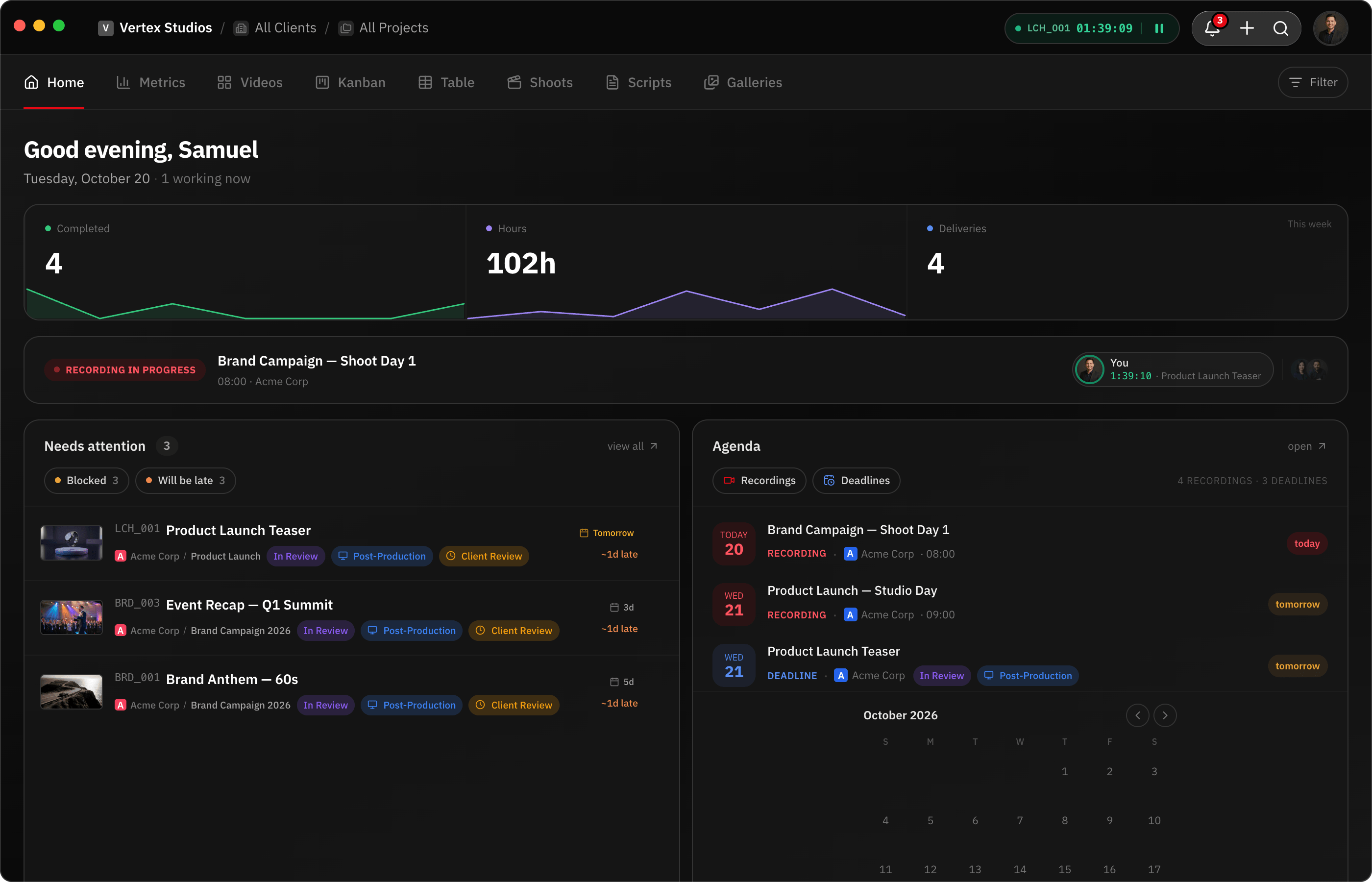
Feature by feature
RecReview and LucidLink side by side: review, project management and production tools.
| Feature | RecReview | LucidLink |
|---|---|---|
| Video Review | ||
| Timestamped comments | Yes | No |
| Frame-accurate annotations | Yes | No |
| Version comparison (side-by-side) | Yes | No |
| Client review portal | Yes | No |
| Video/audio comment recording | Yes | No |
| Comment assignments & mentions | Yes | No |
| Project Management | ||
| Kanban board with custom statuses | Yes | No |
| Task assignments & due dates | Yes | No |
| Production phases (pre/prod/post) | Yes | No |
| Subtasks & checklists | Yes | No |
| Client & project organization | Yes | No |
| Time tracking | Yes | No |
| AI & Automation | ||
| AI video analysis (errors, quality) | Yes | No |
| AI text/typo detection | Yes | No |
| Technical quality scoring | Yes | No |
| Workflow automations (triggers/actions) | Yes | No |
| Automation presets | Yes | No |
| Collaboration | ||
| Workspace members & roles | Yes | Yes |
| External sharing with password | Yes | No |
| Visitor sessions (no login required) | Yes | No |
| Webhook integrations | Pro & Studio | No |
| Email notifications | Yes | No |
| Production Tools | ||
| Script editor with side-by-side view | Yes | No |
| Production plans & calendars | Yes | No |
| Teleprompter display | Yes | No |
| Blocker management | Yes | No |
| Cloud file streaming (NLE access) | No | Yes |
| Pricing | ||
| Flat monthly pricing | Yes | No |
| No per-seat charges | Yes | No |
| Included storage (500 GB+) | Yes | 100 GB to 400 GB per member |
| AI minutes included | Yes | No |
| Free trial or free plan | 15-day trial | Yes |
Key differences
Different jobs
LucidLink gives editing apps fast access to shared project files. RecReview takes the exported cut from there: review, feedback, approval and delivery.
Review built in
LucidLink has no video review. RecReview has comments on the exact frame, drawings, version comparison and an AI check on uploads, in a player made for it.
The project around the video
LucidLink stores and syncs. RecReview tracks each video on a board with phases, deadlines, subtasks and logged hours.
Pricing
RecReview has flat monthly plans with unlimited users, from $49; team scenarios below use Pro ($99, 2 TB). LucidLink costs $27 per member a month on Business (400 GB per member) and $7 on Starter.
| Scenario | RecReview | LucidLink |
|---|---|---|
| 5-person team | $99/mo (Pro) | $135/mo (Business) |
| 10-person team | $99/mo (Pro) | $270/mo (Business) |
| 20-person team | $99/mo (Pro) | $540/mo (Business) |
| Video review | Included | Not available |
| Project board and time tracking | Included | Not available |
Prices checked on October 20, 2026 at lucidlink.com/pricing.
Who should stay on LucidLink
Keep LucidLink if your editors work from shared project files in different places. RecReview doesn't replace a shared drive for editing; it takes the exported cut from there to the client.
Most teams that compare the two end up keeping both.
Frequently asked questions
Can RecReview replace LucidLink?
No. RecReview stores files for review and delivery, but it isn't a shared drive your editing app works from. If editors cut from shared project files, keep LucidLink.
How do teams use the two together?
Editors work from LucidLink, export the cut and upload it to RecReview, or let the RecReview Mac app pick it up from a watched folder. Review, approval and delivery happen in RecReview.
Is there a direct integration between them?
Not today. The Mac app watched folders cover most of it, and webhooks let you automate the rest.
More comparisons: RecReview vs Google Drive for Video Review, Dropbox Replay: is it free, and what does it cost? and RecReview vs Frame.io.