The studio you are working with uses RecReview to send work for review. You got a link. Open it in any browser — there is no account to create, nothing to install, and no cost to you.
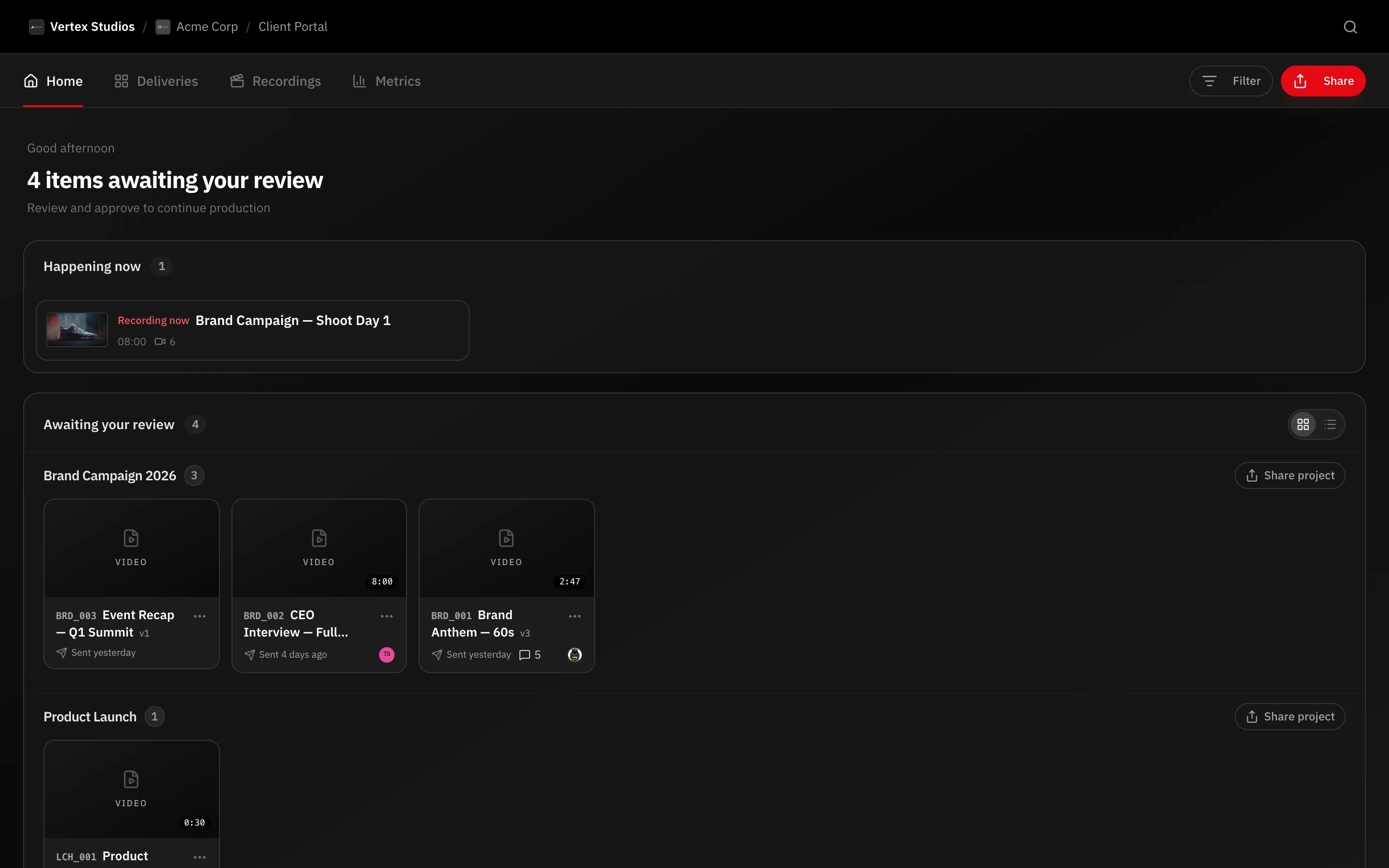
What kind of link you got
- A portal link — one page holding everything the studio shares with you: videos, photo galleries, scripts, production plans and deadlines. It stays at the same address, so keep it.
- A single video link — one cut, opened straight in the review player.
- A gallery link — a set of photos to look through and pick from.
What happens when you open it
The studio decides how much identification the link asks for, so you will see one of three things:
- The content, straight away.
- Identify yourself — a short form asking your name and email.
- Sign in to the portal — a 6-digit code sent to your email. See Signing in.
What you can do
- Watch the cut, scrub, and pause on any frame.
- Comment on an exact moment. Your note is pinned to the second you were on, so nobody has to guess where “that bit near the start” is.
- Reply to what the team or your colleagues wrote.
- Approve the video, or ask for changes.
- Download the final file, once the studio allows it.
It all works on a phone too — see Reviewing on your phone.
What’s next
Start with Watch and comment.