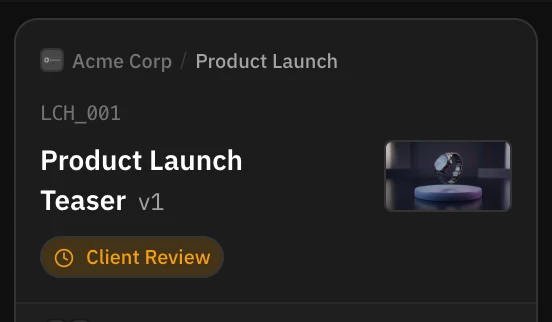
A task whose client has an Internal Code gets a video code: that code plus a sequential number, like ACME_014. Numbers run per client and are never reused. Most teams see the code, find it tidy, and carry on calling the video “the barbecue one” in every message. That habit is worth breaking, because the code is what several parts of RecReview key off.
Put the code in front of the name
Pick one shape and use it in all five places: the export filename (ACME_014_v2.mov), the edit project or timeline name, the subject line of any email about it, the message in Slack or WhatsApp, and the line on the invoice.
The rule is that the code goes first and a human name can follow. ACME_014 barbecue.mov is fine; barbecue_final.mov is not.
What you get back
Uploads file themselves. When a filename contains a task’s video code, RecReview finds the task and marks it Detected, so ACME_014_v2.mov lands as a new version instead of a duplicate task. On the Mac app you can point RecReview at your export folder and skip the upload step altogether.
Search stops being a guessing game. A code is unique; a title is not. Four months later “barbecue” matches three videos across two clients, and ACME_014 matches one.
And conversations stop being ambiguous, which is mostly about not re-exporting the wrong cut because two people meant different videos by the same nickname.
Choosing the client code
Three to five letters, uppercase, obvious to everyone on the team. Prefer the brand over the legal entity: ACME, not ACMEHOLD. Pick it once and leave it alone, since the codes already issued are how everyone refers to work that has shipped.
Note: A task with no client, or a client with no Internal Code, gets no video code. It still works, it just shows a title, and you are back to nicknames.
What’s next
See where the code comes from in Create a task, and let the Mac app upload your renders in RecReview for Mac.