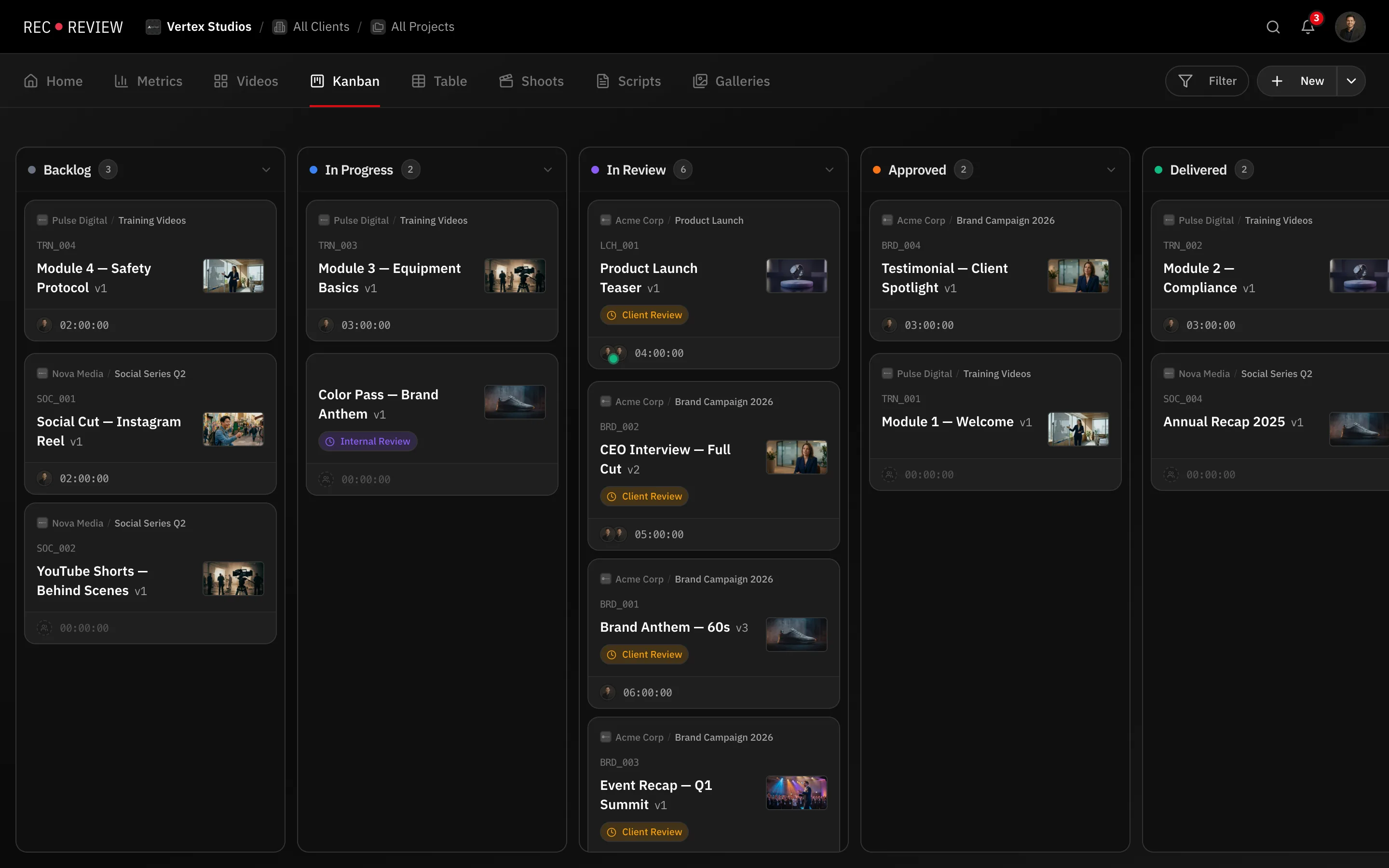
Give a team a board and within a month it has fourteen columns, four of them permanently empty and two that mean the same thing. Nobody trusts it, so everyone asks in chat instead, and the board costs time without answering anything.
The way out is to notice that RecReview already splits the question three ways, and to use each field for what it is.
Three fields, three questions
| Field | The question it answers |
|---|---|
| Status | What is the team doing with this today? |
| Phase | How far along is the deliverable? |
| Blocker | Who is holding it up right now? |
A task can sit in In progress on the board while its phase is Post-production and its blocker is Client Review. Those are three separate facts, and squeezing them into one column list is what produces fourteen columns.
The two columns you should not create
“Waiting for client” is a blocker, not a status. Only a blocker pauses your internal deadline clock, shows as a chip on the card, and lets Metrics tell you how much time your clients are actually holding.
“Post-production” is a phase. Left as a column it splits the board along a second axis and empties the columns that matter.
Trimming what you have
If two columns are always emptied on the same day, they are one column. If a column has been empty for a month, it is a filter you never use.
Mark a status Final when work that reaches it is done, since Metrics counts only final statuses as completed. To retire a column without losing its history, set it to Inactive rather than deleting it.
The five statuses a new workspace ships with — To start, In progress, Finishing, In review, Delivered — are enough for most studios for a long time.
Automate second, not first
Add an automation when a manual step has annoyed you twice. Several useful ones are already on: starting a timer moves a task out of To start, and a client blocker moves it to In review and shares the video with the client. Learn those before writing your own.
Warning: Applying a blocker preset replaces every blocker you already have. Read the list before you apply one.
What’s next
Work the kanban board and edit your statuses, then Choose an automation preset.