Connect OneDrive to attach scripts straight from OneDrive or SharePoint, including files a client shared with you. You browse with RecReview’s own picker.
Connect your account
- Click your avatar at the top right and choose Settings.
- Open the Account tab and scroll to Integrations.
- On the OneDrive row, click Connect.
- Authorise the access on the Microsoft screen that opens.
The row then reads Connected.
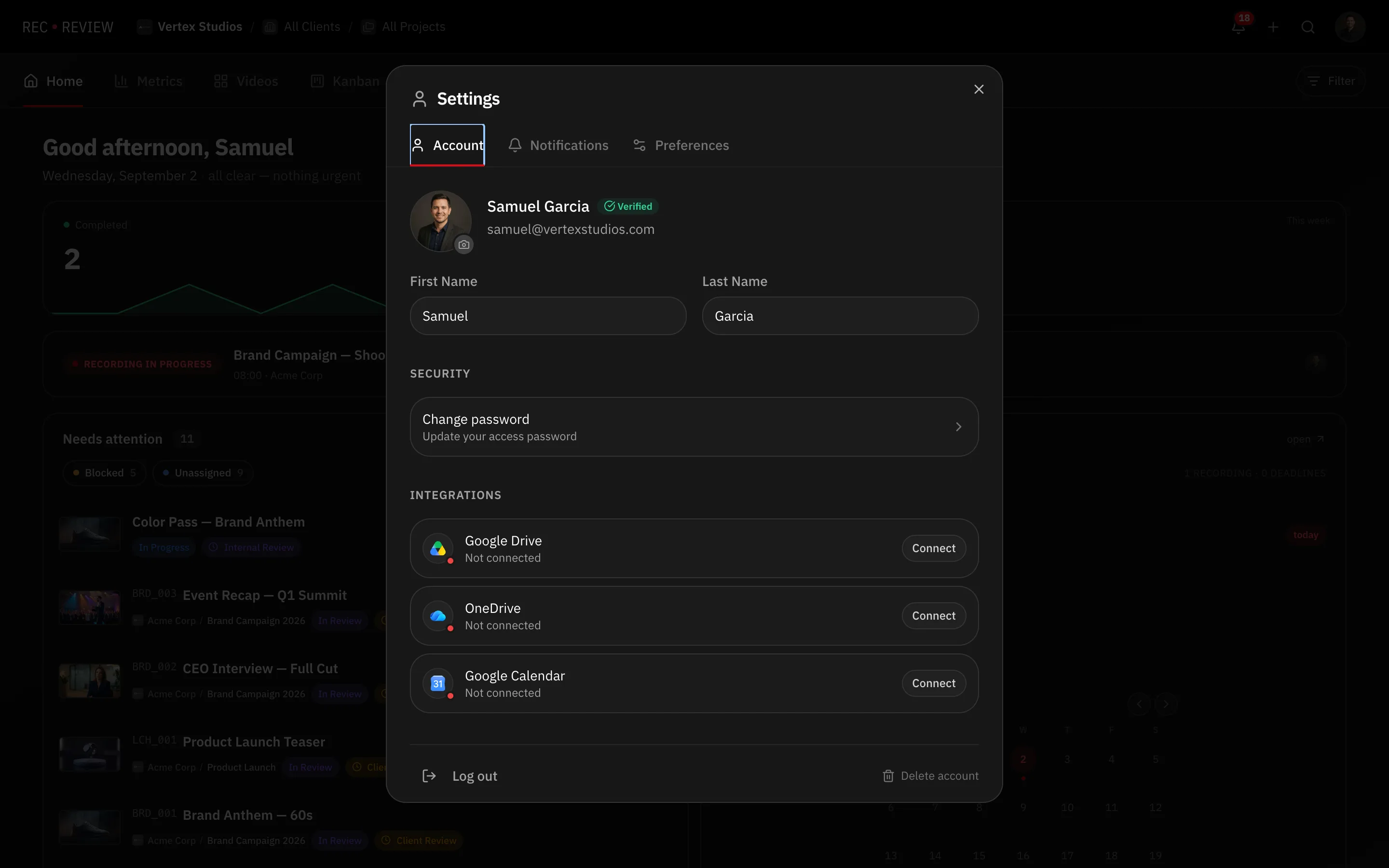
Workspace admins can also connect from Workspace Settings → Integrations.
Attach a script
- Open the video task and choose the OneDrive option in the script actions.
- Select script from OneDrive opens with three tabs:
- My files — your own OneDrive, folder by folder.
- Shared with me — files other people shared with your account, a client’s script included.
- Sites — SharePoint sites you follow, and their document libraries.
- To find a file by name instead of browsing, type in Search OneDrive… (Enter).
- Pick the file. Scripts accept PDF, Word, PowerPoint, TXT or RTF.
The script is attached to the task. To replace it later, use New version (OneDrive) — the earlier version stays in the task’s history.
When SharePoint sites do not load
Two messages, two different problems:
- SharePoint sites need an updated Microsoft permission. — your connection predates SharePoint support. Click Reconnect OneDrive and approve again.
- No SharePoint sites — follow sites in SharePoint to see them here (work accounts). — the permission is fine, there is nothing to list. Follow the site in SharePoint. A personal Microsoft account has no sites, and reconnecting will not change that.
Note: Removing a script from a task only detaches it. The original file in OneDrive will not be affected.
Disconnect
Go to Settings → Account → Integrations and click Disconnect on the OneDrive row. You can also use Disconnect on the OneDrive card in Workspace Settings. RecReview confirms with OneDrive disconnected.