Storage is checked before an upload starts, not after. When a workspace is at its limit, the upload is refused immediately — you never wait through a transfer that was going to fail.
What you see
The Storage Limit Reached dialog shows your usage and three ways forward:
- Upgrade Plan — move to a plan with more space.
- Add Storage (+500GB) — keep your plan and buy extra space.
- Cancel Upload — deal with it later.
It also reminds you: You can also free up space by deleting old videos from your library.
Check where you stand
- Click your avatar at the top right and choose Workspace Settings.
- Open the Billing tab.
Storage shows how much of your limit is gone, with AI minutes next to it. The bar changes colour as you approach the limit.
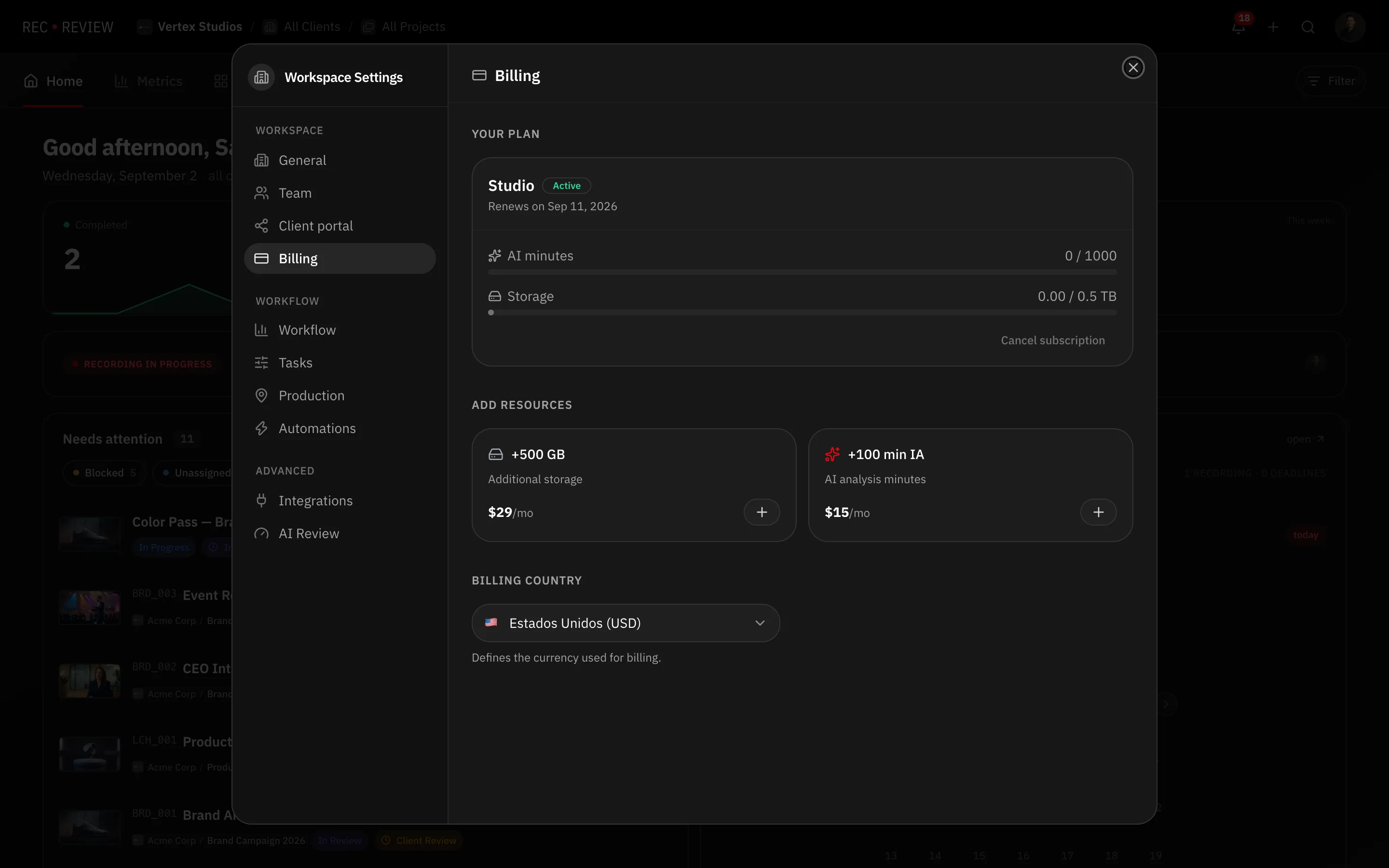
Plan allowances are 500 GB on Creator, 2 TB on Pro and 5 TB on Studio. Trials run with Studio limits.
Note: There is no warning email before you hit the limit. The Billing tab is the only place to see it coming, so check it at the start of a big project rather than in the middle of a delivery.
Free up space
Video files are what fill a workspace, not comments or thumbnails. In practice:
- Delete old versions of finished videos, where the approved cut is the only one anyone needs.
- Delete test uploads and duplicates — the second export nobody watched.
- Work through finished projects rather than the thing you touched most recently.
Deleting a video removes its file. Make sure the client has their delivery, or the original is in your own archive, before you clear it.
Add space instead
If the library is genuinely all needed, buy storage rather than deleting work. In the Billing tab, Add resources offers Additional storage as an add-on that stacks on top of your plan.
If the message appears and you are not full
Two other conditions block uploads with a similar screen:
- Trial Period Ended — the 15-day trial is over. Existing videos and data are safe; subscribe to keep working.
- An inactive subscription, after a payment failed. Updating the payment method restores uploads.
Neither is a storage problem, and neither deletes anything.