There are two separate systems: notifications in the browser, which you turn on yourself, and the Mac app’s notifications, which come from macOS. Find your case below.
In the browser
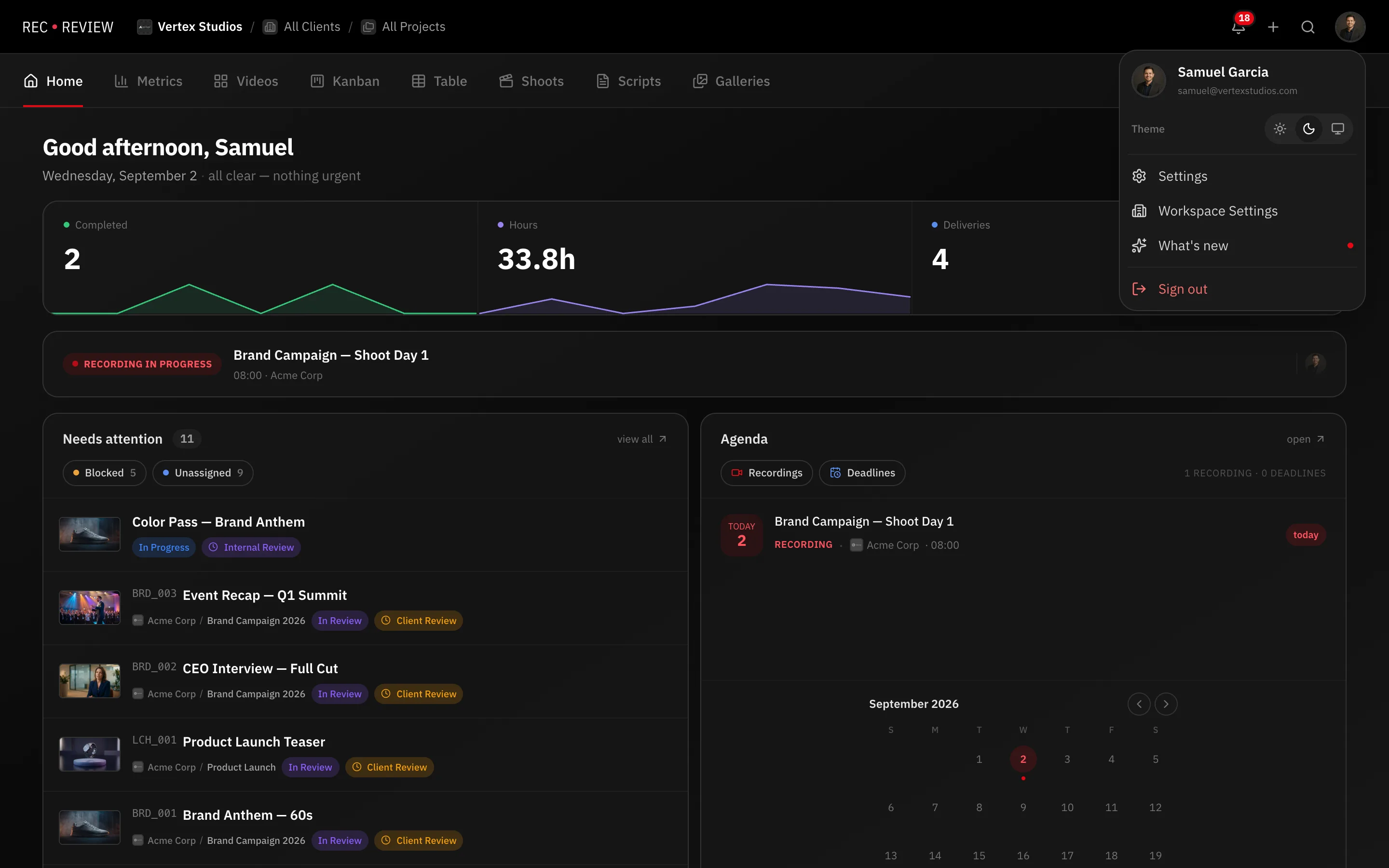
- Click your avatar at the top right and choose Settings.
- Open the Preferences tab.
- Turn on Push Notifications — Receive notifications even with the app closed.
- Your browser asks for permission. Allow it. RecReview never asks on its own; the request only appears when you flip this switch.
- Press Test.
The test notification should appear on your desktop, and the status next to the switch reads Enabled.
If the switch will not turn on
The label tells you which problem you have:
- Blocked by browser — you denied permission at some point, and RecReview cannot ask again. Open the site settings in your browser (the icon next to the address bar), set notifications to Allow, reload the page, then turn the switch on.
- Browser not supported — use a current Chrome, Edge, Firefox or Safari.
- Invalid state. Reload page and try again. — reload and flip the switch again.
- Push service unavailable. Try again. — a temporary failure. Try once more before reporting it.
Check the operating system too. macOS Focus modes and Windows Focus assist suppress notifications no matter what the browser is allowed to do.
In the Mac app
Do not enable push here. The switch tells you so: The desktop app uses system notifications — no need to enable them here.
The app posts real macOS notifications, with a count on the Dock icon. If nothing appears:
- Open System Settings → Notifications, find RecReview, and allow its alerts.
- Check Do Not Disturb and Focus.
- Remember that notifications only fire when the RecReview window is not in front. Click another app and try again.
Note: A notification you see on your Mac will not also arrive as a browser push, and the reverse. They are different channels for the same events, so having only one means you are not missing anything.
Still nothing
If the test notification works but real events never arrive, check your notification preferences for those event types. Then get in touch with an example — which event, when, and on which device. See Contact support.