Deleting your account removes your workspaces, videos and comments. RecReview does it in two steps with a 30-day gap, so a mistake — or a bad day — is recoverable.
Delete
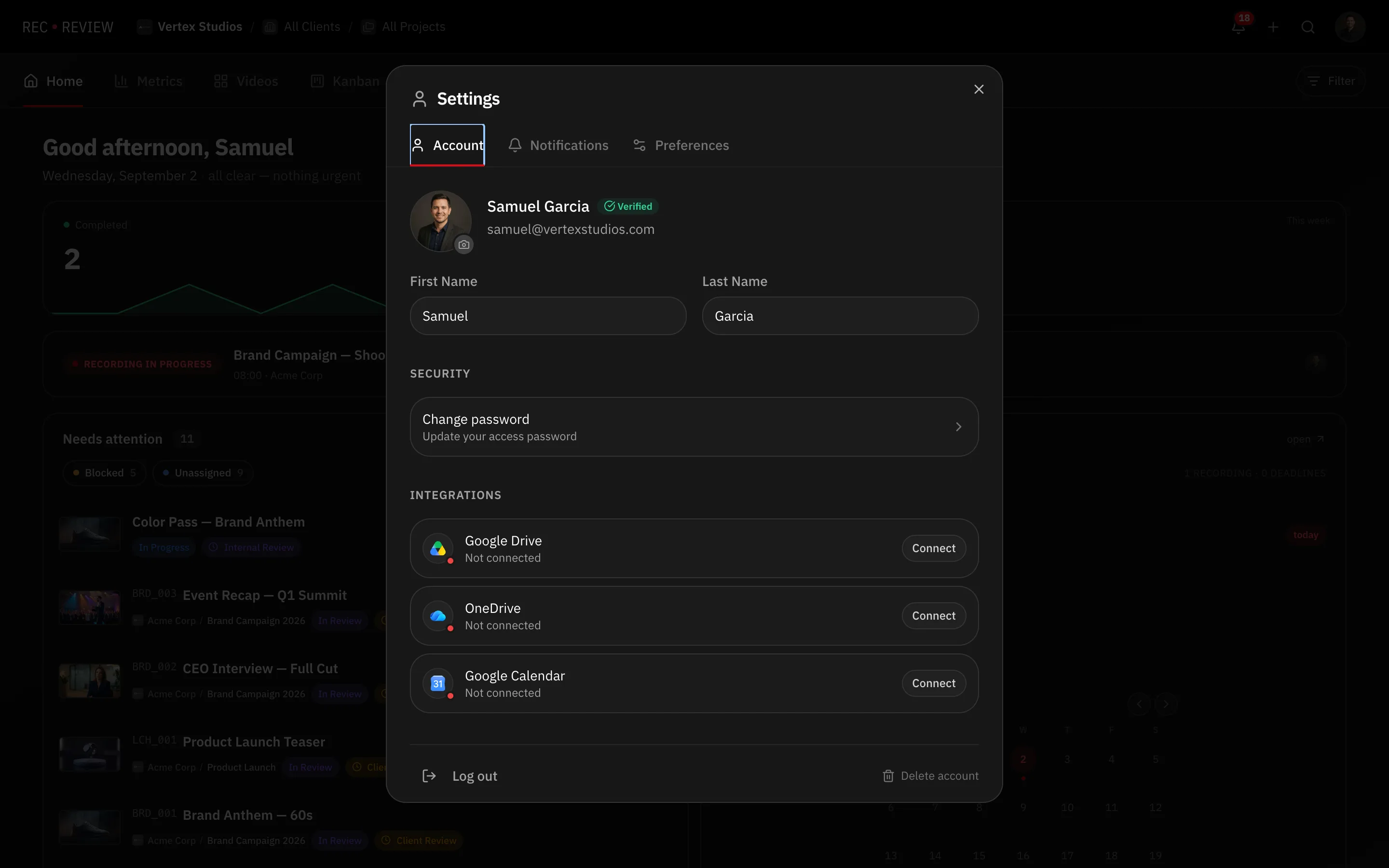
- Click your avatar at the top right and choose Settings.
- Open the Account tab and scroll to Danger zone.
- Press Delete account. The dialog lists exactly what goes: how many workspaces, videos and clients, how many people lose access, how many review links stop working.
- Press Continue.
- Enter Your password and type the confirmation text the dialog asks for.
- Press Delete my account.
Warning: Your subscription is cancelled straight away, for the current period, with no refund. Cancelling the deletion later does not bring it back.
What happens immediately
- You are signed out everywhere and cannot sign back in.
- Workspaces you own are frozen. Nobody edits or reviews, and their portal links and share links stop working.
- Workspaces where you are only a member carry on without you.
- The admins of each frozen workspace get an email with a rescue link.
- You get a confirmation email with the deletion date and a cancellation link.
Nothing is erased yet.
The 30-day window
Two independent ways back:
- You cancel. Open the link in the confirmation email and confirm. Your account, your workspaces and your team’s access all come back. Subscribe again if you had a plan.
- An admin rescues a workspace. They open the rescue link, type the workspace name, and become its owner. That workspace leaves the deletion, and you are simply removed from its members. Your account still goes ahead to deletion.
After 30 days
Everything is erased, with no way back: videos, thumbnails, transcripts and AI reports, along with your tasks, projects, clients, plans, timers, connected accounts and profile.
Comments you left on other people’s content are anonymised rather than deleted, so their threads still make sense. Invoicing records are kept as long as tax rules require.
If your account signs in with Google, Microsoft or Apple
The dialog asks for a password you do not have. Set one first with Forgot password? on the sign-in page, then come back — see reset your password.